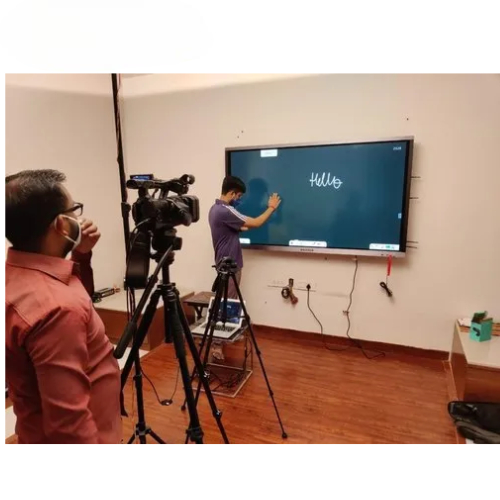
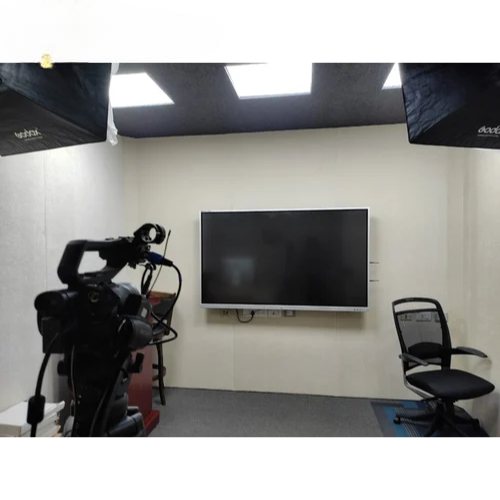
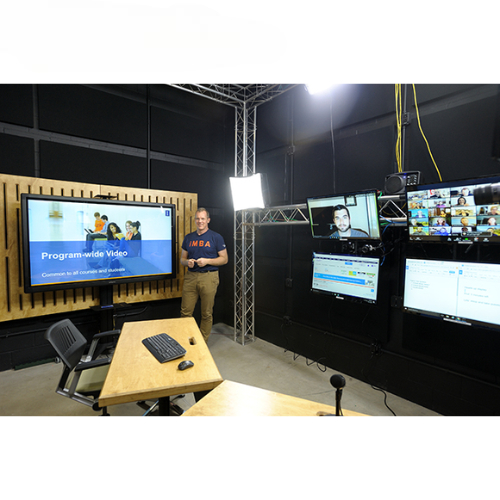
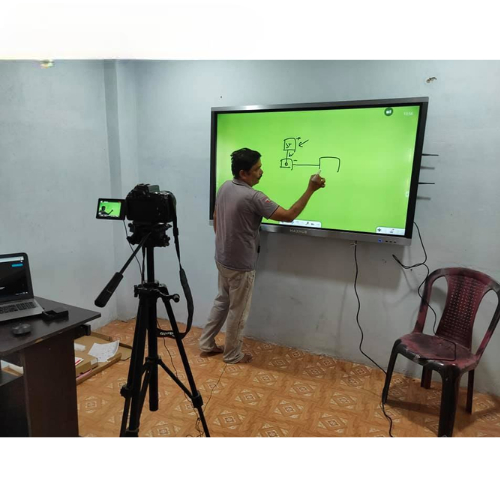
Cameras: High-definition cameras to capture video of the lecturer and presentation materials. Options include fixed cameras, PTZ (pan-tilt-zoom) cameras, or even multi-camera setups for different angles.
Camera Mounts and Stands: To position cameras at optimal angles.
Audio Recording Equipment
Microphones: Lavalier (lapel) mics for lecturers, gooseneck mics, and handheld mics if needed. High-quality microphones ensure clear audio capture.
Audio Mixer: To manage and adjust audio inputs from various sources.
Presentation Tools
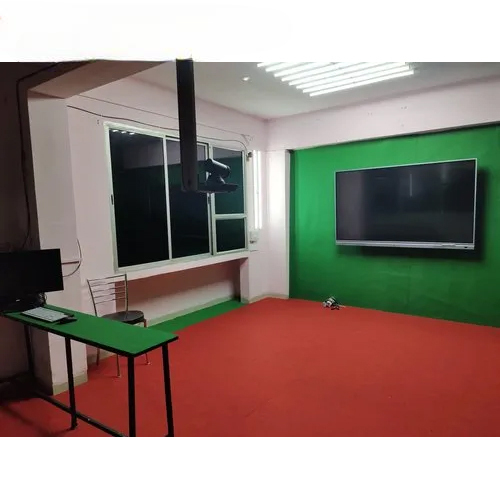
Interactive Whiteboards or Digital Screens: For displaying slides or other visual aids.
Computers or Tablets: To control presentation software and display content.
Lighting
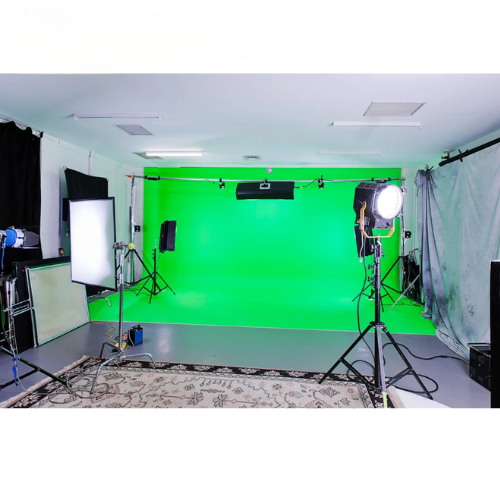
Studio Lights: To ensure proper lighting conditions and enhance video quality. This may include key lights, fill lights, and backlights.
Recording and Streaming Software
Video Capture Software: For recording and possibly live streaming lectures. Examples include OBS Studio, Camtasia, or proprietary software.
Editing Software: For post-production editing of the recorded content, such as Adobe Premiere Pro or Final Cut Pro.
Audio-Visual Integration
Switchers and Converters: To manage and integrate multiple video and audio sources.
Speakers: For monitoring audio during recording.
Control Interface
Touch Panels or Control Pads: For managing recording settings, switching between different video sources, and adjusting audio levels.
Storage and Backup
Hard Drives or Network Storage: For storing recorded content. Backup solutions ensure data is not lost.
Connectivity
Cables and Connectors: HDMI, USB, XLR, and other necessary cables for connecting equipment.
Environmental Considerations
Soundproofing: To minimize external noise and echo, enhancing audio quality.