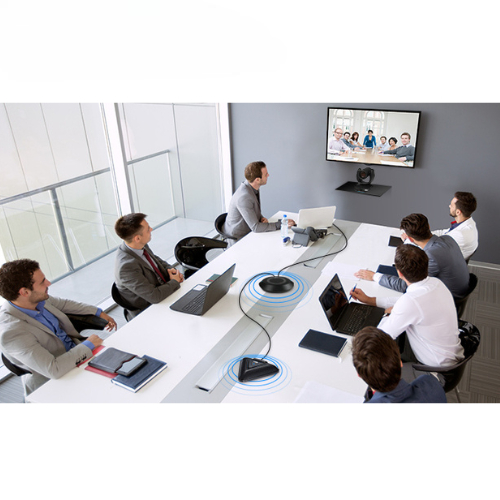
Webcams: Basic cameras attached to computers or laptops.
PTZ Cameras: High-quality cameras that can pan, tilt, and zoom, often used in larger meeting rooms.
Microphones
Built-in Microphones: Found in many webcams and laptops.
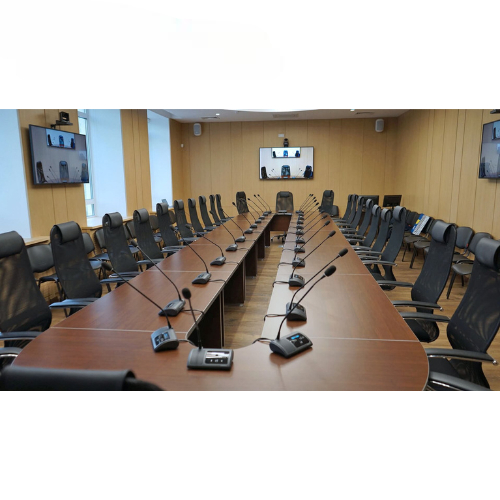
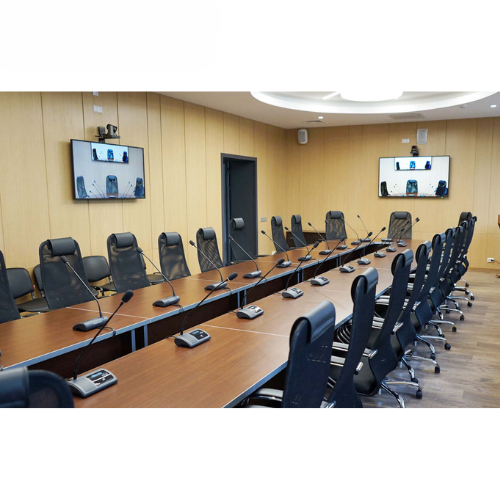
External Microphones: Include desk mics, boundary mics, and conference mics for better audio quality.
Wireless Microphones: For more mobility and less cable clutter.
Speakers
Built-in Speakers: Found in laptops and some monitors.
External Speakers: Provide better sound quality and volume for larger rooms.
Display Screens
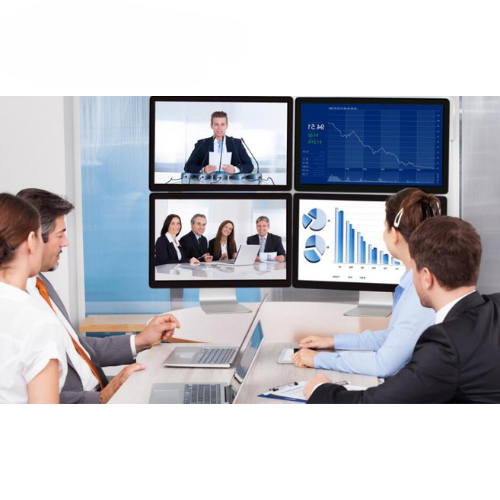
Monitors: For viewing participants and shared content.
Projectors: In larger setups for displaying video to a group.
Video Conferencing Software
Platforms: Software like Zoom, Microsoft Teams, Google Meet, Cisco Webex, etc., which facilitate the video call, screen sharing, and collaboration features.
Control Interfaces
Remote Controls: For managing camera angles, volume, and other settings.
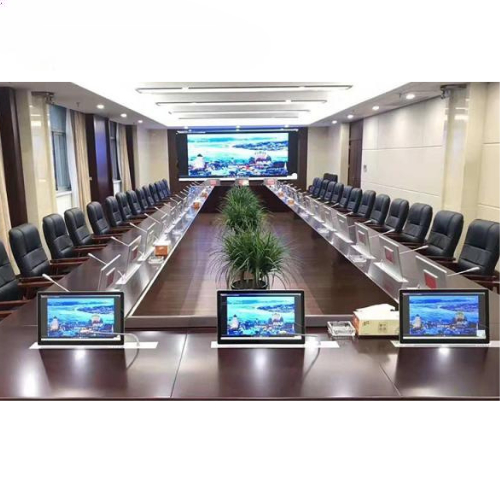
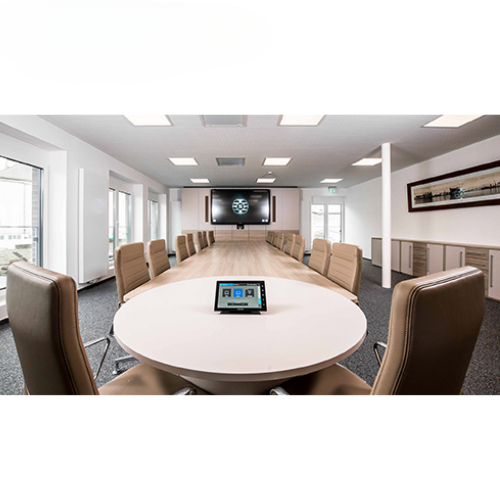
Touch Panels: For controlling various aspects of the video conference setup.
Networking Equipment
Routers and Switches: Ensure stable internet connectivity.
Network Cables: Ethernet cables for wired connections.
Lighting
Studio Lights: To ensure participants are well-lit and visible on camera. This may include key lights, fill lights, and backlights.
Audio-Visual Integration
Mixers: To combine and adjust audio and video inputs from different sources.
Converters: To ensure compatibility between different types of equipment.
Storage and Backup
Local or Cloud Storage: For saving recorded meetings and important data.
Environmental Considerations
Soundproofing: To reduce external noise and echo, enhancing audio clarity.